Your instruments

It works with the folder your instrument already writes to.

No driver to install, no vendor licence to buy, nothing added to the instrument PC. Whatever your instrument exports — its own file, a CSV, a photograph of the panel — lands attached to the run that produced it.
Instruments listed
60, across six kinds of work
Read inside
52 of them — 9 open formats
To install
Nothing. It watches a folder

How it works

01

Point at a folder

The one the instrument software already saves into. A local folder, a share, or a stick you carry back to your desk.

02

Files land on the run

Anything new in that folder is attached to the run it belongs to, kept exactly as written, and versioned from then on.

03

The claim stays attached

When you state a result, the file underneath it comes with it — three years later, to a reviewer, to whoever takes over.

On the free plan

The folder watcher is included on the free plan. Most lab software puts instrument data behind an upgrade or an integration project, which is how a lab ends up with software it can't actually feed.

Find your instrument

Common instruments in academic labs, what each one writes, and how it lands. If yours isn't here it almost certainly still works — the list is a starting point, not a limit.

read: CSV the badge names the file woodle reads inside — here, the CSV export kept: .lcd kept and versioned exactly as written, byte for byte
PCR, qPCR and nucleic acid14
Bio-Rad CFX96 / CFX Opus.pcrd, plus CSV or Excel exportread: CSV
Applied Biosystems QuantStudio.eds, plus CSV exportread: CSV
Applied Biosystems 7500.eds, plus exported results CSVread: CSV
Roche LightCycler 480.ixo, plus tab-delimited textread: text
Qiagen Rotor-Gene Q.rex, plus CSV exportread: CSV
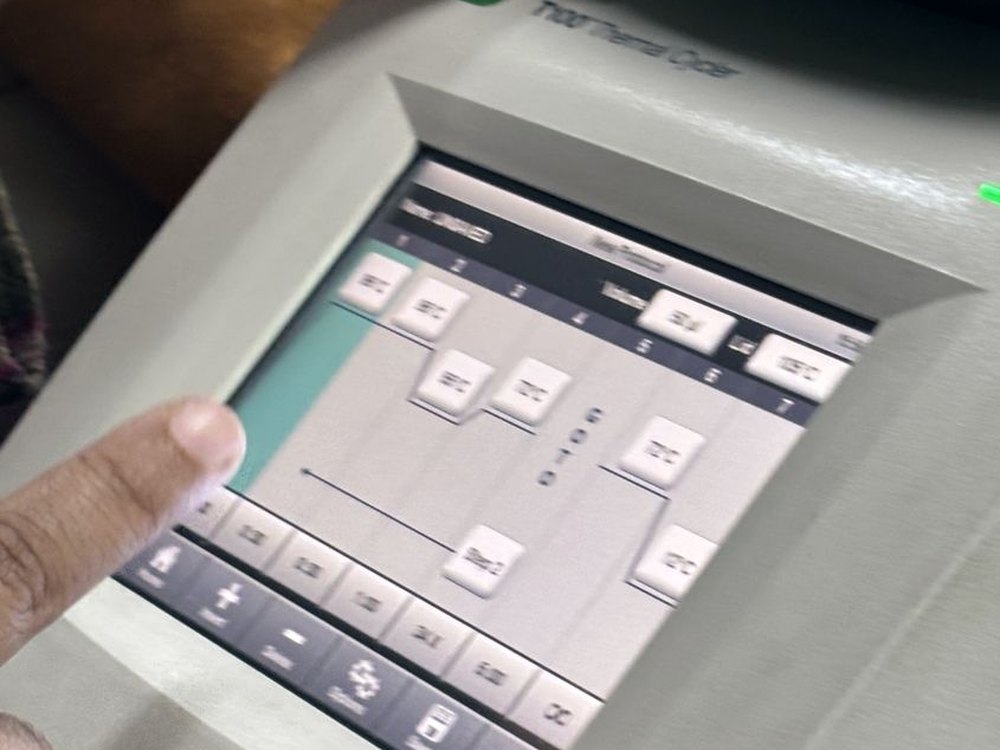
Bio-Rad T100 / C1000protocol file and run logkept: the log
Eppendorf Mastercyclerexported protocol and run reportkept: the report
Thermo NanoDrop One / 2000.ndv, plus TSV or CSVread: CSV
DeNovix DS-11CSVread: CSV
Implen NanoPhotometerCSVread: CSV
Invitrogen QubitCSVread: CSV
Agilent TapeStation / BioanalyzerXML and PDF, plus CSV of peaksread: CSV
Illumina MiSeq / NextSeqFASTQ, InterOp, run folderread: FASTQ
Oxford Nanopore MinIONPOD5 and FASTQread: FASTQ
Plate readers and spectroscopy12
BMG CLARIOstar / FLUOstar.mars, plus CSV or Excelread: CSV
Molecular Devices SpectraMax.sda, plus XLSX or textread: XLSX
Tecan Infinite / SparkXLSX or CSVread: CSV
Thermo Multiskan / VarioskanSkanIt CSV exportread: CSV
Agilent BioTek Synergy / EpochGen5 .xpt, plus CSVread: CSV
PerkinElmer EnVisionCSVread: CSV
Shimadzu UV-1900 UV-Vis.spc, plus CSVread: CSV
Agilent Cary UV-Vis.bsw, plus CSVread: CSV
Jasco CD spectrometer.jws, plus CSVread: CSV
Bruker FT-IR (Alpha, Vertex)OPUS file, plus JCAMP-DX or CSVread: CSV
PerkinElmer Spectrum FT-IR.sp, plus JCAMP-DXread: JCAMP-DX
Horiba / Edinburgh fluorimeterinstrument file, plus CSVread: CSV
Chromatography and mass spectrometry9
Agilent 1260 / 1290 HPLC.D folder, plus CSV and PDF reportread: CSV
Waters Alliance / ACQUITYEmpower project, exported textread: text
Shimadzu Nexera / Prominence.lcd, plus ASCII exportread: text
Thermo Vanquish (Chromeleon).cmbx, plus CSVread: CSV
Thermo Q Exactive / Orbitrap.raw, convertible to mzMLread: mzML
Bruker timsTOF / maXis.d, convertible to mzMLread: mzML
SCIEX QTRAP / TripleTOF.wiff, convertible to mzMLread: mzML
Agilent GC-MS (MassHunter).D, plus CSV or mzMLread: CSV
Waters Xevo.raw, convertible to mzMLread: mzML
Imaging and microscopy9
Zeiss LSM / Axio (ZEN).czi or .lsm, plus OME-TIFFread: OME-TIFF
Leica SP8 / Stellaris (LAS X).lif, plus OME-TIFFread: OME-TIFF
Nikon Ti / A1 (NIS-Elements).nd2, plus OME-TIFFread: OME-TIFF
Evident / Olympus (cellSens).vsi or .oir, plus OME-TIFFread: OME-TIFF
Bio-Rad ChemiDoc.scn, plus TIFFread: TIFF
Syngene G:BOX.sgd, plus TIFFread: TIFF
Azure Biosystems imagerTIFFread: TIFF
Cytiva Amersham ImageQuant.gel, plus TIFFread: TIFF
LI-COR Odysseyinstrument file, plus TIFFread: TIFF
Cell analysis and flow cytometry6
BD FACSCanto / LSRFortessaFCS 3.xread: FCS
Beckman CytoFLEX (CytExpert)FCS 3.xread: FCS
Cytek Aurora (SpectroFlo)FCS 3.xread: FCS
Agilent xCELLigence RTCA.plt, plus CSVread: CSV
Sartorius IncucyteCSV and TIFFread: CSV
Countess / TC20 cell counterCSV and imageread: CSV
The rest of the bench10
Mettler Toledo balanceCSV over serial, or LabX exportread: CSV
Sartorius balanceCSV over serialread: CSV
pH meter (Mettler, Hanna, Eutech)CSV, where the model supports itread: CSV
Ultra-low freezeralarm and temperature log, CSVread: CSV
Autoclavecycle printout or PDFkept: the printout
Centrifugerun log where fittedkept: the log
Electrophoresis power supplyrun log where fittedkept: the log
Heating dry bath, hot platenothing digital — photograph itkept: your photo
Incubator, water bath, shakernothing digital — photograph itkept: your photo
Biosafety cabinetnothing digital — photograph itkept: your photo
tell us what you run

Send us your instrument list and we'll tell you exactly how each one lands — and what, if anything, needs doing first. It also tells us what to build next.

A person reads these. A reply within three working days. Prefer email? contact@stringifyai.com.
The old instrument PC

It doesn't need to be online.

Plenty of instruments run on a machine that hasn't been updated in a decade and isn't allowed on the network — and since Windows 10 went out of support, university IT has been locking those machines down further, not less.

So nothing is installed on the instrument PC. Copy the folder to a stick, drop it in from your own laptop, and it lands the same way. The record doesn't care how the file got there, only that it's the file that came off the instrument.
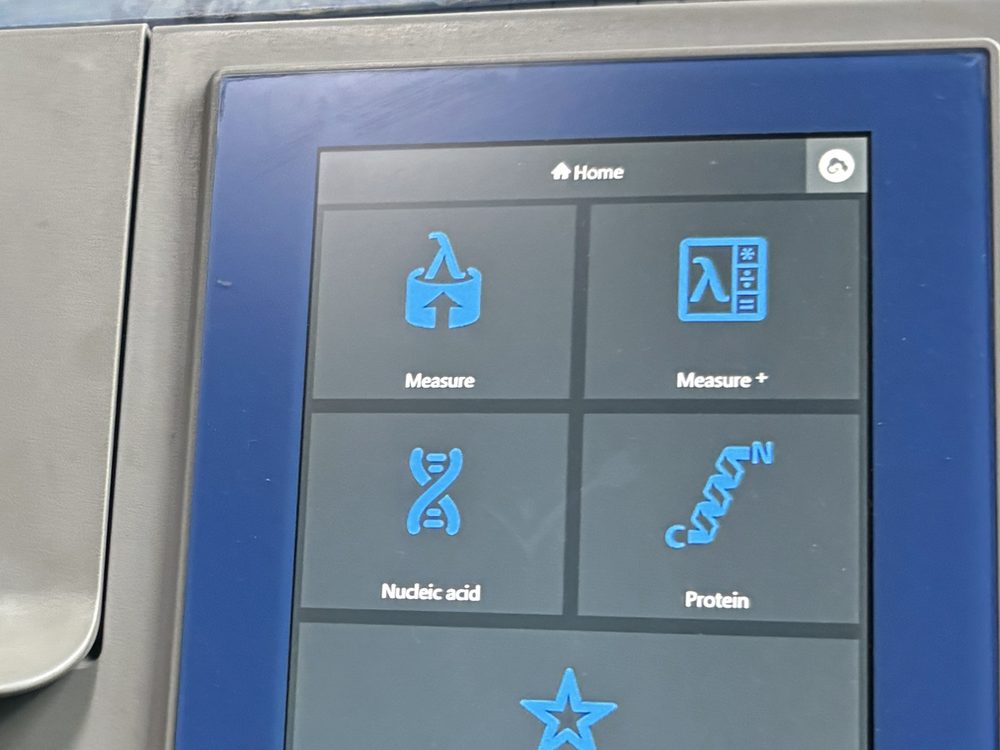
A benchtop spectrophotometer with its menu screen lit and a cover resting on top.

Start with the instrument you use most.

The folder watcher is on the free plan. Point it at one folder and see what comes across.

for verified researchersFour questions about your lab. We are setting up founding labs in small waves, by hand.